Repeat use of an AI feature starts with a task someone could finish and is willing to solve the same way again. The first generation shows only a trial. To find why users leave, check input quality, whether they can assess and correct the answer, and then its use in work. Separately establish whether the task arose again.
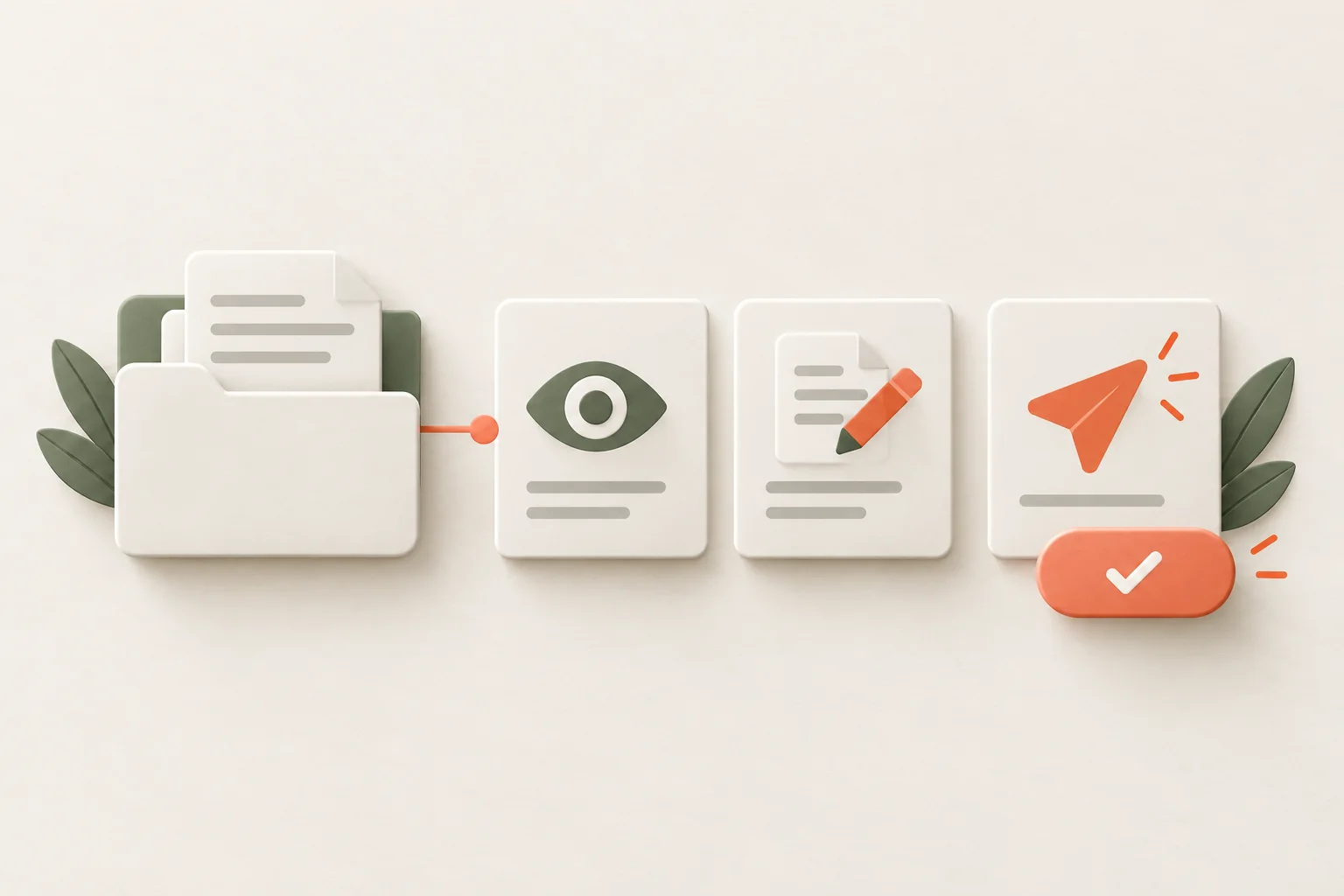
Follow the path after generation: could the person assess, correct, and apply the answer? Look for the cause of one-time use at those steps. Another announcement will only help people who don't yet know about the feature.
The broader transition from a message to a work habit is covered in feature adoption. AI adds an outcome-quality check: convincing text can still be unsuitable for the job.
What counts as AI feature use after the first trial?
Suppose a CRM adds a feature to draft a customer reply. The team counts the first generation as activation. But an employee needs more than text in a window: they need an answer they can send without an error in the context of the deal. Work sits between those events: checking facts, removing irrelevant material, adjusting tone, and choosing the recipient.
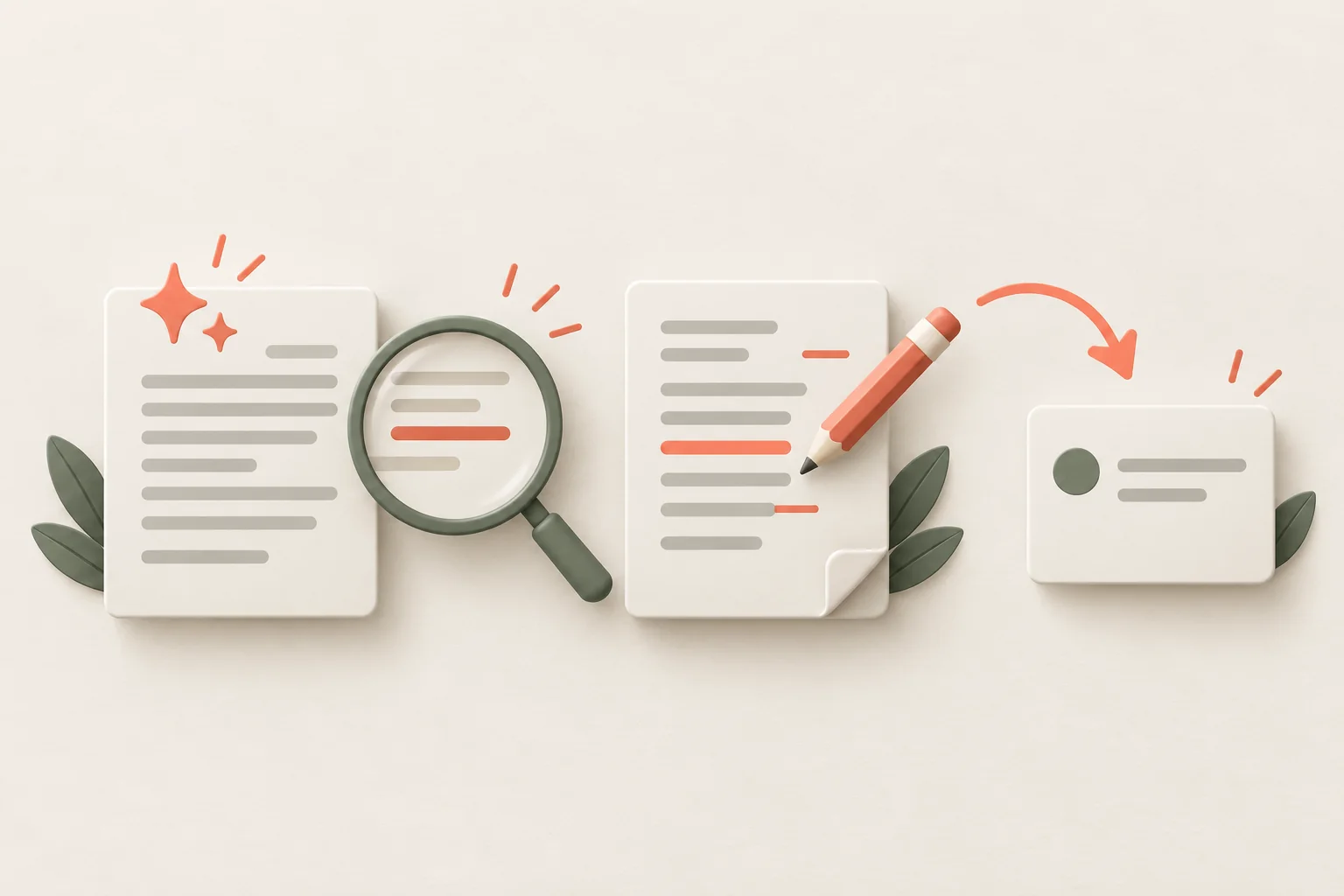
For this scenario, separately observe draft creation, editing, and application. Sending alone doesn't prove quality either. The user may miss an error or send accidentally. Choose an available outcome signal and supplement it with observation of how people work with the text.
For the hypothetical CRM, the path might be:
| Stage | What it confirms | What it doesn't yet prove |
|---|---|---|
| Draft created | The feature returned an answer without a technical failure | The answer suits the customer |
| Answer reviewed | The person could check essential information | Every error was found |
| Text edited or accepted | The result can be brought to the required form | It was applied in work |
| Answer sent to the right recipient | The task was completed in the chosen way | The person will want to repeat it |
| Feature used on the next request | Repeat use on a new eligible task occurred | One onboarding edit caused the whole effect |
The table doesn't prescribe mandatory events for every AI product. Name your own verifiable states. When calculating the share using a feature, choose the feature adoption rate denominator separately: don't mix everyone who saw an announcement with people who had a repeat task.
Another feature will have another outcome. Document search needs a found basis and a way to verify it; planning needs a plan usable in work. Name one specific outcome. If the team can't do that, it's too early to optimize generation counts.
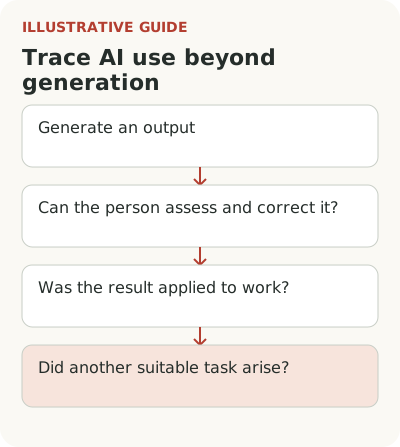
Why the first use may not deliver value
An empty field saying “Enter any prompt” leaves all preparation to the user. They must understand the feature's capabilities, invent a task, and guess which data is missing. That may be fine for a specialist who already knows the tool. A newcomer faces different conditions.
In a review of AI product onboarding, Victoria Kharlamova describes observations after trying several services and considers getting to a result quickly. This is a practical review of selected products, not proof of a universal activation time. Copying another product's number of minutes makes little sense if your task requires data checks or colleagues' participation.
Offer a start connected to current work. In the hypothetical CRM, the user opens a request and chooses to draft a reply based on its content. Before starting, they see what information will go into the draft. That leaves less to guess. If required data is missing, explain what to add instead of generating generic text.
Explain the AI result and its limits
The user must be able to distinguish a draft from a sent message. These states have different consequences, and a colorful AI icon doesn't explain the difference. Say directly: the text is prepared; the customer hasn't received it yet. Keep ordinary edit and send actions nearby.
In an article on the experience around an AI feature, Calix Leigh-Reign proposes designing not just the output but also understanding, correction, and action boundaries. It's a useful review frame for a product manager: what does the person know before starting, see afterward, and do next if the answer doesn't fit?
Don't hide an important limitation in a general welcome tour. If the draft relies only on the open request and doesn't consider the contract, say so where the person reviews it. Otherwise polished text can create a false sense of completeness. Describe how the feature actually works rather than offering reassurance without a basis.
If the concern involves permissions, separately examine how to explain AI access to work data. Distrust of data processing doesn't disappear with a faster first answer.
Let people fix the result without starting over
Imagine AI wrote an overly formal email and added an incorrect date. The user wants to change two things. If the only path is to describe the entire task again and lose the good parts, the next attempt costs more. That's a product problem in its own right.
Check editing individual passages, returning to a previous version, and preserving the original material. Not every feature needs all of these. Choose the ones without which a person can't bring the result to an acceptable state. In research, provide a deliberately imperfect answer and see whether the participant can find a way to correct it.
Observe silently at least until the first difficulty. If a team member immediately explains a hidden button, the test becomes training with a personal assistant. The user won't have that assistant in ordinary work. Record where guidance was needed and whether it helped them continue independently.
Also check how someone rejects a poor result. In the hypothetical CRM, they need to retain the original request, close the draft, and write manually. If rejection erases entered data or starts generation again, the first trial costs too much. Give the participant this situation directly: the answer doesn't fit, but the work still needs to be finished. See whether they can continue without support. A calm return to a familiar action lets them test the feature without committing to further use; verify that capability in the interface, not just in copy.
How to measure repeat use of an AI feature
Someone may use reply drafting daily, but prepare a quarterly review on a different cycle. Demanding daily return for both chooses the wrong metric in advance. First find out when the task arises again.
Within the eligible audience, distinguish people who had another opportunity to use the feature from those who haven't needed it yet. Compare roles, task types, and input quality. If all departures occur on long requests, the overall usage figure hides the cause. Talk to people who continued and those who returned to manual work.
Don't infer causation from a simple association between first success and retention. Experienced employees may prepare inputs better and understand limitations sooner. An evaluation of a change must account for those differences. With few users, observing work and examining individual rejections gives a more honest basis than a victory percentage from a handful of launches.
If the team proposes a new help chat to address abandonment, first compare an AI onboarding assistant with prepared tooltips. The problem may lie in result quality, not finding the launch command.
Choose one AI task and follow it from inputs to applying the result. If the path breaks after output, fix that transition first. A tooltip at the right place can explain review or editing; it won't improve model quality or make an unsuitable answer useful.