

How to build a user onboarding checklist
Turn a real task into checklist steps that reflect confirmed readiness and support return visits.
Read articleFlowtomate blog
Featured
Turn a real task into checklist steps that reflect confirmed readiness and support return visits.
Read article
See which onboarding changes a product manager can make after setup and where engineering and joint checks remain necessary.
Read article
Investigate one recurring support question and measure repeat tickets alongside successful work and errors.
Read article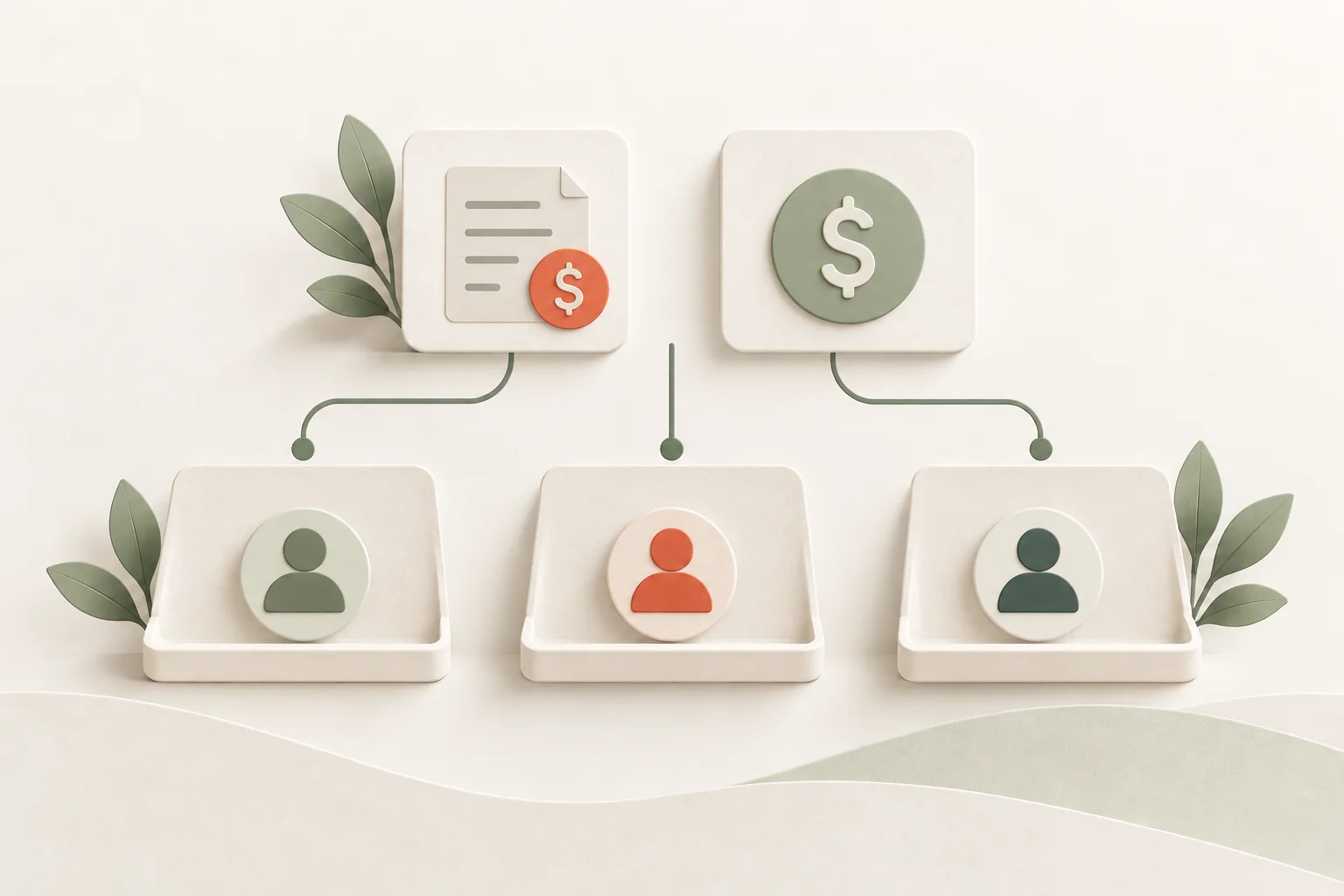
Build a hypothetical onboarding ROI model using incremental profit, verified savings, full costs, and a clear break-even threshold.
Read article
Compare in-house onboarding with a service over the same period, including implementation, content, maintenance, data, and exit.
Read article
Assign one owner for the onboarding outcome and clarify handoffs among product, marketing, customer success, and engineering.
Read article
Identify why users stop before choosing guidance, a product fix, or a new capability.
Read article
Guide existing users through a new task without repeating the whole product introduction.
Read article
Use a concrete example to write and verify a customer-facing release note.
Read article
Assign owners and evidence to every transition from feature access through the next suitable work cycle.
Read article
Adapt three complete messages for setup, an in-product action and a lasting changelog entry, then test their promises.
Read article
Choose announcement channels by role and task, and prevent repeated invitations after setup or first use.
Read article
Find the barrier behind low feature use before sending another announcement.
Read article
Give customer-facing teams the same facts and test their answers on realistic release scenarios.
Read article
Match each release promise to the recipient’s task, permissions and readiness, and check who was wrongly included or excluded.
Read article
Use customer language, task context, and product behavior to write and test specific interface tooltips.
Read article
Choose survey timing and questions for setup, outcomes, and abandonment while accounting for who does not respond.
Read article
Check localized onboarding across screens, email, errors, permissions, and a complete user task.
Read article
Use a mature cohort to distinguish tour engagement from a working result, then investigate the reasons users stop.
Read article
Connect onboarding measures to decisions and make incomplete cohorts, delays and manual help visible.
Read article
Choose the right denominator for first use and a separate opportunity-based denominator for repeat use.
Read article
Build a tracking plan that separates access, guidance, attempts, errors, and confirmed onboarding outcomes.
Read article
Compare mature cohorts and test whether an activation signal relates to retention without assuming it causes return.
Read article
Choose research and release checks that fit a small flow of accounts without claiming a causal effect from observation.
Read article
Plan assignment, account-level outcomes and guardrails before release, and keep observational conclusions within their limits.
Read article
Defer optional settings without losing access, safety or the ability to finish the job.
Read article
Trace data readiness, a usable first result and a decision before analyzing trial-to-paid conversion.
Read article
Reorder setup around the data, permissions and checks a first result requires.
Read article
Write empty-state copy and actions that fit the real system state and user permissions.
Read article
Diagnose stalled signups through event data, observation and a clear owner.
Read article
Compare activation candidates and define their audience, window and exclusions.
Read article
Check a real journey, its errors and handoffs, then assign owners and test solutions.
Read article
Use a job, role, data and next-step matrix to decide where onboarding paths should differ.
Read article
Use dismissal context and subsequent work to decide whether a product tour needs a change.
Read article
Write precise error guidance tied to known product state and a safe recovery path.
Read article
Identify dependencies and verify a usable replacement and accessible history before turning off an old feature.
Read article
Prepare a beta that observes a complete work cycle and supports a specific release decision.
Read article
Help existing users complete familiar tasks after a redesign, including rare workflows and saved links.
Read article
Help returning users recover previous work and handle changed requirements before showing new features.
Read article
Coordinate pop-ups, warnings and other campaigns across a session so important information remains visible.
Read article
Design a return path that preserves context and measures resumed work, not just email opens.
Read article
Separate access restrictions, missing data and failures so the next step matches the user’s actual state.
Read article
Separate access, processing and data readiness so a first import supports real work.
Read article
Map the invitation lifecycle and measure the handoff through a completed team task.
Read article
Measure account activation and individual contributions separately, with clear roles and a mature observation window.
Read article
Troubleshoot broken product tours: selectors, loading, routes, permissions, and layers. A diagnostic table and a practical release-maintenance process.
Read article
Test product tours with a keyboard, screen reader, zoom, and mobile screens. A practical matrix for completing the task, not a WCAG certificate.
Read article
Choose an AI assistant, tour, tooltip, or product fix based on the user's obstacle and the information available.
Read article
Follow AI output through review, correction, application, and the next eligible task to investigate repeat use.
Read article
Explain what AI reads, drafts, and can change, and test whether users understand permissions before confirming.
Read article
Colleagues arrive with different jobs to do. Their first task depends on prepared data, the right access, and a clear handoff.
Read article
An import can stall over an unclear rule, an unfamiliar sequence, or a missing file. Each calls for a different kind of help.
Read article
Between an upload and a usable report, customers may wait for validation, a correction, or a colleague. Each delay calls for a different change.
Read article
A fictional cohort of 40 accounts makes the activation denominator and completer TTV visible. Repeat use needs its own clock and a full observation window.
Read article
A manager reviews the report before sending it by hand. Scheduling needs to preserve that check and make the next delivery clear.
Read articleSee where tooltips, tours or a checklist can help your users reach a useful result.