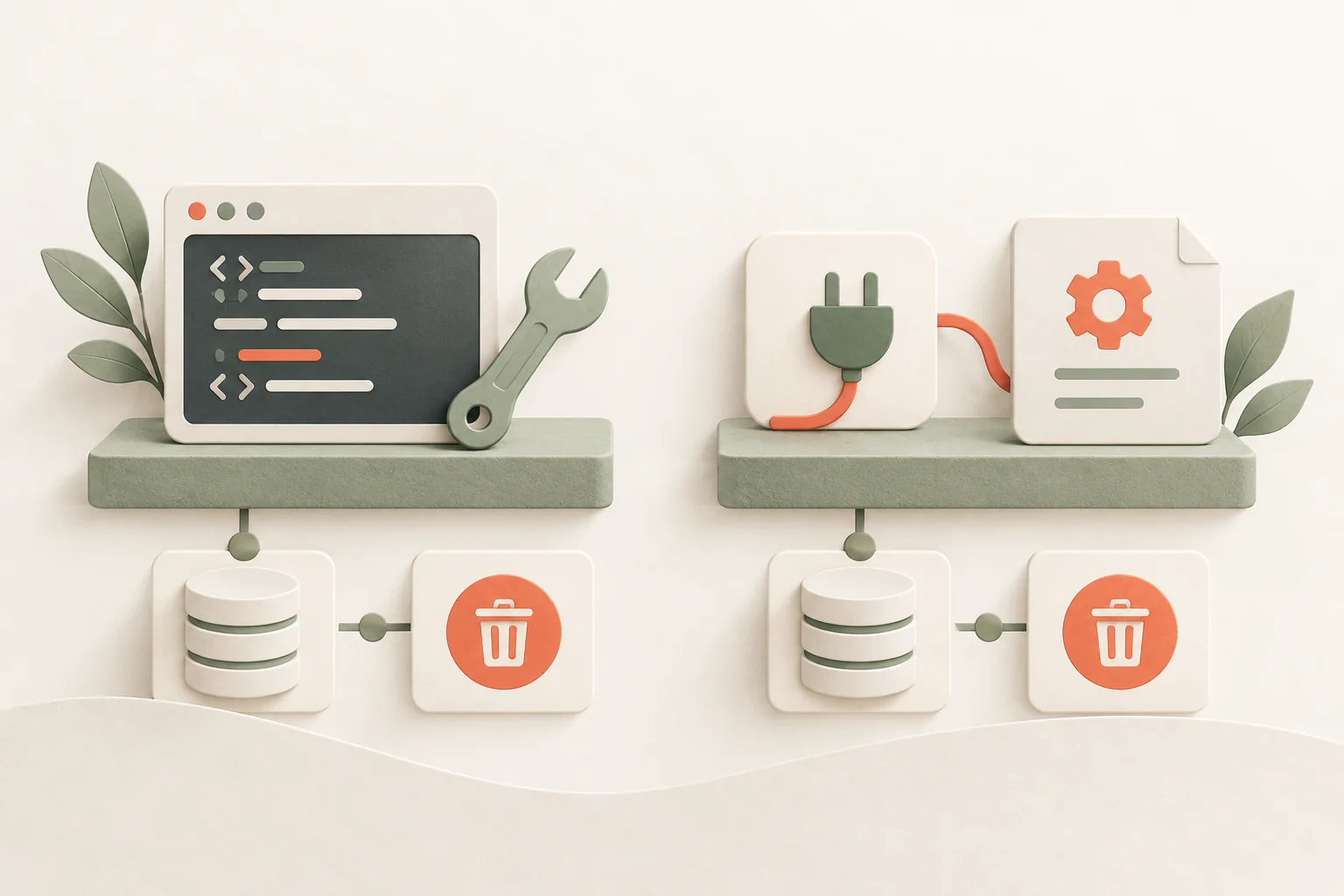
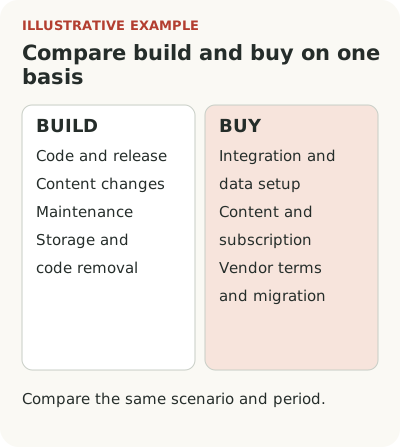
To choose between building onboarding yourself and buying a service, compare the full cost of the same scenario over the same period. Include implementation, content work, maintenance, data, and exit costs.
Suppose a B2B service for clinics wants to add an initial setup checklist and scheduling tooltips. Its team is small, screens change often, and customer data is subject to strict restrictions. A custom component seems simple. An external tool promises a convenient editor. Both options must work under the same conditions, so start there.
Compare costs over one period
Take the same scenario and, for example, the first year. Add up each role's hours at an agreed internal rate, external payments, and expected maintenance. Show a range where the estimate hasn't yet been checked.
| Cost or constraint | Build in-house | Buy a service |
|---|---|---|
| Implementation | Code, states, checks, and release | Integration, data setup, and checks |
| Content work | Preparation, edits, and releases | Preparation, setup, and publication |
| Annual maintenance | Fixes, screen updates, on-call work | Subscription, checking tooltip targets, integration updates |
| Data and exit | Access, storage, code removal | Data transfer, vendor terms, migration, and disabling |
An in-house component can suit a stable, narrow scenario when the team has resources to maintain it. A service is worth checking when frequent content edits create a queue. The decision depends on data requirements and verified behavior of both options, not the first development estimate.
Define the minimum scenario and data boundaries
Write down who will see the guidance, when it appears, what actions the person should take, and when it stops appearing. Specify the required states: first visit, completed step, skip, and return to guidance. Don't add an editor of unlimited complexity just because it might be useful someday.
For the clinic, separate setup guidance from processing medical data. The guidance may only need a user ID, role, and workspace state. It doesn't need patient records. Before selecting a tool, an engineer should check what data scripts receive, where it is stored, and what restrictions company policy imposes.
Don't rely on the phrase “no code.” Even if a product manager creates the content, code must pass the right attributes, and the application must operate safely if the guidance service is unavailable. Loading, permissions, behavior during navigation, and the ability to disable displays all matter. Include these requirements in the comparison from day one.
Before comparing costs, decide which tours, checklists, and tooltips the scenario needs.
Include life after launch in the in-house estimate
A small fixed checklist can be quick to build if the product already has the components and states. But the estimate must include editing, checking, publishing, and maintenance. If every new piece of copy requires an application release, that dependency remains after the first task closes.
Look at the actual rate of change. Once a quarter, an engineer may comfortably update three steps alongside the screen. Several launches a week will create a queue, even when each fix takes little time. The issue is not just total hours, but the wait between a product decision and guidance reaching the user.
Don't build an internal platform for one checklist. If nobody requested it, an editor, branching, a shared engine, and complex permissions can turn a small task into a separate product. Separate must-haves from nice-to-haves. Sometimes a minimal internal component solves the problem completely, and stopping there makes sense.
Buying still involves work and constraints
A tool won't know on its own what a correctly configured schedule means. Someone must choose the scenario, write content, pass audience attributes, and check the display. Layout changes may affect which elements tooltips target. Content releases still need an owner and review, even if they no longer depend on a release of the whole application.
Also find out how to export content and what happens if you leave the service. You don't necessarily need a perfect migration of every setting. But understand the cost of manual reconstruction and removing the integration before choosing. Vendor dependency becomes especially visible once guidance covers dozens of screens.
Test requirements with a small scenario in a suitable test environment. Keyboard access, a narrow screen, a slow network, a role change, and signing out are more useful checks than a list of customer logos. A claimed capability and its behavior in your application are separate things to verify.
Observing a user can help identify the obstacle before choosing a tool.
Compare options in one table
For the hypothetical clinic service, use a starting point like this:
| Criterion | In-house version | External tool |
|---|---|---|
| First scenario | Development and testing | Integration, setup, and testing |
| Copy changes | Through the established release process | Through the content publishing process |
| Data and access | Team responsibility | Check data transfer and service terms |
| Screen maintenance | Code maintenance | Check tooltip targets and integration |
| Exit | Remove or replace component | Export, migrate, and disable |
| Cost over the period | Time from all participants | Subscription and time from all participants |
Don't score by eye. For each disputed point, write down what needs checking and who can answer. If the main uncertainty concerns data, resolve that first. A polished editor cannot compensate for incompatible storage requirements.
Consider your existing infrastructure too. Segment's tracking plan documentation describes an agreed schema of events and properties for engineers and data consumers. Whatever guidance tool you use, a team needs that agreement to identify a scenario's state reliably and measure its outcome.
Ask owners to estimate the delay for an urgent edit. Who can disable incorrect guidance in the evening? Does it require an engineer, service administrator, or separate approval? For a clinic, incorrect permissions guidance can disrupt an entire shift. Testing the off switch takes little time and shows how much control you actually have. Do it for both custom code and a purchase. A button in an editor doesn't establish that the right employee has access and understands the consequences.
For the budget, use a scenario-based ROI calculation.
Choose based on the main constraint
If you need a few stable tooltips, already have components, and will change them alongside the interface, an in-house implementation may be simpler. If several teams frequently change content and development is a confirmed bottleneck, a tool deserves a concrete test. Special behavior or data requirements can change the decision in either direction.
Don't try to answer every future case. Record the decision for the current scope, when you'll revisit it, and the signal that it no longer fits. For example, the number of scenarios grows, waiting for edits starts delaying launches, or requirements emerge that the chosen solution doesn't support.
To test a purchase, use one checklist and one contextual tooltip; you can consider Flowtomate among the options. Compare the whole path from draft to safe display, including engineering work and a repeat check after the screen changes. You are buying a way to solve the task, not a promise that the integration will never need attention again.