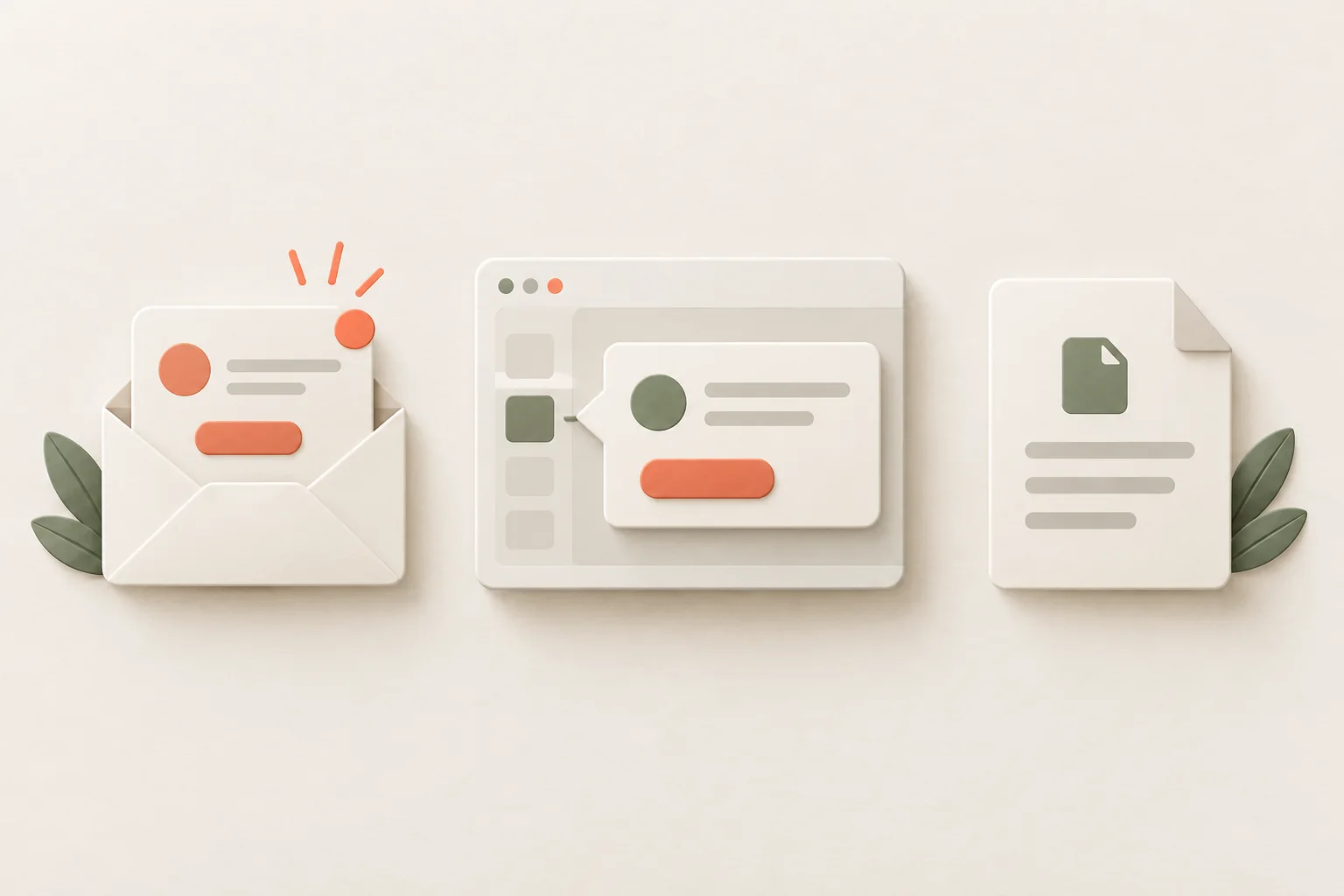
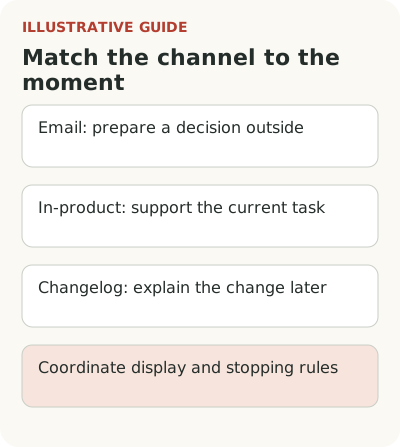
Choose an announcement channel based on the reader's next action and when they will read it. Email can prepare someone outside the product, a changelog provides a lasting explanation, and an in-product message can help with a task available now. A pop-up is justified when missing the change would cost more than the interruption. The size of a release on the development roadmap doesn't establish that.
Imagine a private clinic adds a waiting list for open appointment slots. The manager must enable a rule, the receptionist must use it when booking, and the doctor only sees the resulting schedule. A mass email with a “Try it” button would send these people into very different situations. One universal channel is not enough.
Compare channels by timing and next action
For the hypothetical clinic, the team can record these differences before writing the copy:
| Channel | When it's needed | Next action | Limitation |
|---|---|---|---|
| Email to the manager | Before enabling the waiting list | Review the rules and setup | After signing in, the person needs the right account and permissions |
| Changelog | On demand, including after closing the announcement | Find the conditions and instructions | The person may not open it before the deadline |
| Tooltip beside an open slot | The rule is enabled and an appointment has been canceled | Offer the time to someone on the waiting list | Requires an up-to-date schedule |
| Pop-up | The change affects the next required action | Read why and open the preparation steps | Interrupts the current booking; needs an exit and a way back to the information |
This is a choice about how to reach people. Testing the feature, preparing support and deciding whether to expand access belong to the wider launch. Here, define what each channel does and where its job ends.
Start with the decision the person faces. The manager needs to know whether the clinic can enable the waiting list and how it will affect work. An email with the conditions and a link to settings fits that decision. The receptionist needs to see the new way to fill a slot when an appointment is canceled. A changelog entry may be enough for the doctor if their actions don't change.
Don't choose a channel by the feature's size on the development roadmap. A large technical release may barely change most customers' work. Moving a small setting, on the other hand, can disrupt daily patient bookings. An intrusive announcement adds little in the first case; timely guidance addresses a specific obstacle in the second.
Map the route after the message: where the person clicks, which account they enter and what state they see. If permissions and agreement on rules must come before the first action, the button shouldn't promise immediate use. The channel solves the contact problem; it doesn't remove the steps the product requires of the customer.
When to announce a feature by email
Email works when someone signs in rarely, decides on setup or needs to prepare for a mandatory change in advance. In the hypothetical clinic, the manager may use the service only a few times a month. They won't see a tooltip in the schedule, however well it's written. You need another way to reach them.
Give the email one main job: open the rules, go to settings or pass the information to the person responsible. Don't try to sell the news, teach the entire workflow and collect feedback at once. The next action determines the content. The further that action is from the recipient's current workday, the more useful it is to give them a clear reason to save the message or return to it later.
Check the route after sign-in. The link may lead to another clinic, a general page or a section the person cannot access. A technically working URL isn't necessarily a working invitation. Also consider what happens if someone reads the email later, after access has changed or a trial has ended.
When to use a tooltip or pop-up in the product
A receptionist cancels an appointment and a slot opens in the schedule. A short tooltip can suggest offering that time to patients on the waiting list. Its job is to connect familiar work to a new action. It doesn't need to recount why the feature was built or the whole product roadmap.
If the manager must configure the feature first, the tooltip should state that condition before the receptionist starts. Otherwise, the person reaches a dead end and may assume the feature is broken. Once it's enabled, show different copy with an action they can actually take. These are two states of one workflow, not unrelated campaigns.
In an October article, Appcues describes how its own pace of change led the team to reconsider release communications and customer education. The article also reports a survey of 60 marketers conducted with Navattic. That sample shows the respondents' concerns; it doesn't establish the best channel for every SaaS product. You still need to test the choice in your own work context.
What belongs in a permanent changelog
A changelog answers “What changed, and where can I find it?” Link to it from an email or tooltip when people need details. For the clinic, an entry might explain the waiting list rules, available actions and limits. An employee can return to it after speaking with the manager.
A saved entry doesn't replace a direct notice about a required action. If a customer must update a setting before the old process ends, don't rely on them opening the changelog by chance. An expiring pop-up doesn't replace a lasting explanation either. After closing it, the person needs a clear way to find the information again.
Include the date and current conditions. When access expands, correct the old entry or add a clear update. An archive that keeps promising a beta that closed long ago creates unnecessary support requests. The release owner should be responsible for the entry's ongoing accuracy as well as the first version.
How to stop repeating messages across channels
Once the manager enables the feature, stop asking them to enable it. Once the receptionist completes the first useful action, remove the introduction to that same action. The team must agree which completion signals each channel can access. If the systems can't exchange those states, start with a simpler sequence and acknowledge its limits.
Urgent changes need a separate decision. Don't automatically subject an outage notice or mandatory deadline to the normal schedule for product news. But marking something “important” shouldn't let every release bypass the limits. Agree who assesses the consequences of a missed message and can stop a planned campaign if a more consequential notice appears.
Check the handoff between roles in a shared workflow. The manager may enable the waiting list while the receptionist remains unaware. The next explanation should reach the person doing the work, not merely end the manager's sequence. The account state changes once; several people may need a useful introduction to the new action.
Evaluate each part against its own job. For the setup email, measure the share of eligible accounts that completed setup within the chosen window. For the tooltip, measure completed actions among employees who had an open slot. For the changelog, assess whether people can find useful information and what questions remain after reading. Don't combine these numbers into a single “engagement rate.”
Test the path from one message while acting as its recipient. For a permanent entry, see the Flowtomate changelog, and prepare the copy using the release note structure. Then set display frequency and priority so the channels don't repeat the same invitation. Message examples and the broader guide to feature adoption can help you check whether the contact leads to the intended work.