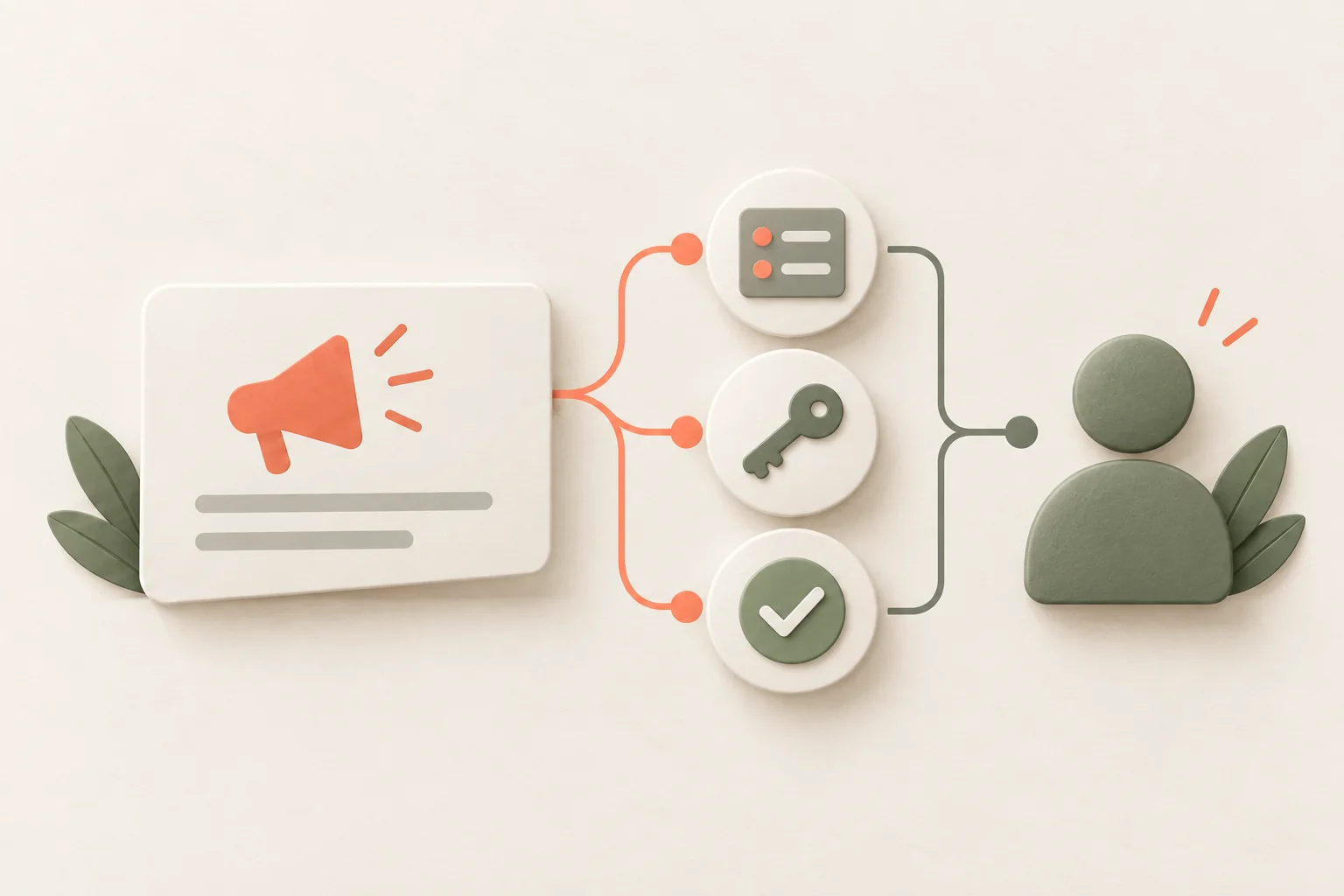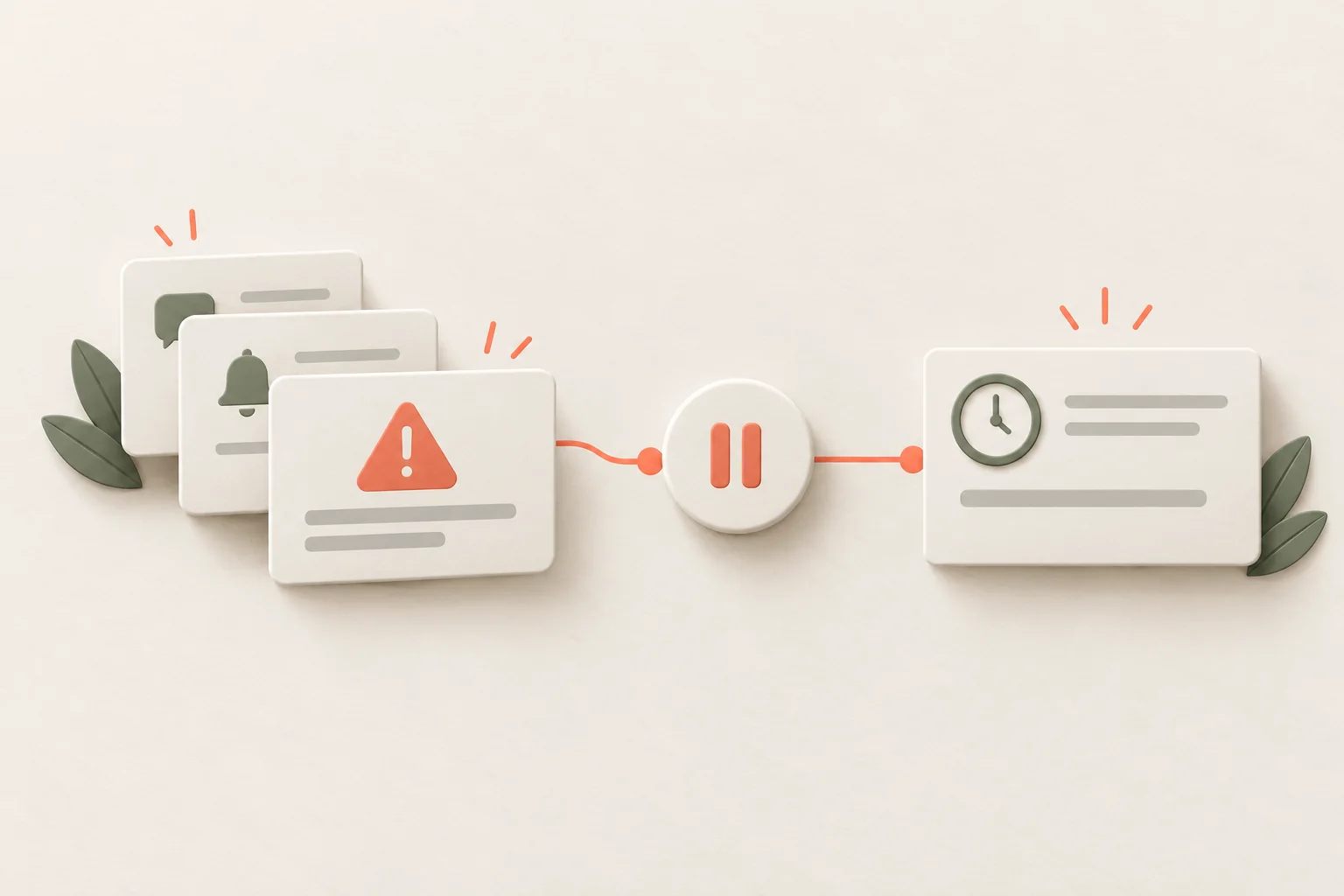
Pop-up frequency depends on the current task, the message's importance and actions already completed. Set a shared order across campaigns: what appears first, what waits, what stops after an outcome and how dismissal works. A “once a week” limit alone won't protect someone from four different windows in one morning.
Imagine an online store service. An operations manager prepares shipments in the morning. A report announcement appears, followed by a survey and then an automation setup offer. Underneath is a warning that some addresses failed validation. Each author considered their message useful. Together, they prevent the manager from finishing orders.
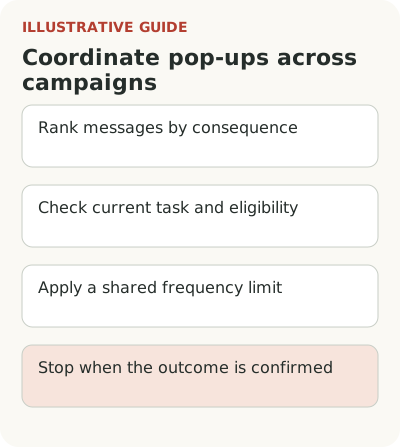
Choose priority by the consequence of missing a message
Give priority to information needed to avoid lost work or an incorrect action in the current task. In the hypothetical store, an address problem affects a shipment now. The report update can be read later. That determines display order even if the report release matters to the quarterly product plan.
Separate mandatory warnings, help for the current action and optional news. Choose a format afterward. A warning may need a prominent persistent state beside the order; a tooltip may fit beside a new button; news can stay in the changelog. Don't give all three the same window in different colors.
A Chameleon guide to migrations connects contextual help to the location of a changed action and differences between user groups. This is a recommendation from a tool vendor, not independent evidence of an optimal frequency. It offers a useful check: the message should help where the new difficulty occurs.
Set admission, repeat and stopping rules
Rules for the hypothetical morning shipment could look like this. This is an example team policy, not a universal frequency standard.
| State | What to show | What to suppress or defer | What changes the decision |
|---|---|---|---|
| Address error | Status beside the relevant order | Report news and survey | Address corrected and validation passed |
| No error; manager is entering data | Let them finish input | New automation pop-up | Completion of the main operation |
| Main work completed | One relevant introduction | Other optional windows in this session | An explicit voluntary request for other help |
| News dismissed | Keep it in the changelog | Automatic repeat in the next session | A new relevant task or user-selected reminder |
| Setup already completed | Confirmation of current state | Another setup invitation for the whole account | A new change requiring a different action |
The last row requires a reliable completion event linked to the account. If that data isn't available, don't pretend to have a precise automatic policy: start with fewer campaigns and manual control. Audience selection reduces unnecessary messages before frequency limits apply.
Count frequency per user across all campaigns, not separately for each author. Otherwise four departments can each follow “once a week” and show the person four windows in one morning. Establish shared admission order: while a more important message exists, a lower-priority one waits for a suitable moment or moves to the changelog.
Don't choose a number without observation. The same weekly limit creates different burdens for daily work and a rare monthly report. Start with a cautious limit, review normal sessions and agree which exceptions urgent warnings need. Exceptions should depend on consequences, not the announcement author's job title.
Account for shared work. An administrator's setup may make a message obsolete for every employee. Individual display and account state are connected. If you store only the personal “already seen” state, others will keep receiving requests to complete setup that's already done. That's a condition error, not a copywriting problem.
What happens after a pop-up is dismissed?
Dismissal doesn't always mean permanent refusal. The manager may simply be rushing to ship orders. Leave a way to open the explanation later: a changelog entry, help beside the action or a short link. Don't repeat the same pop-up at the next sign-in without a new reason. The product has already received a signal that the timing was unsuitable.
A mandatory change needs a different process. If action is required before a shutdown date, a subtle warning can remain after dismissal and a reminder can return closer to the deadline. Explain why it remains. Agreeing to read news and being required to fix a setting are different user states.
Remove the message once its goal is achieved. When someone configures address validation, the introduction is over. A new error needs help for the specific order, not another welcome tour. Completion events reduce unnecessary displays more precisely than simply increasing the interval between windows.
Check how messages affect the main task
A high dismissal rate alone doesn't prove irritation: a short useful announcement may require no click. See how people continue the main task, whether errors and complaints appear, and whether they return to the explanation later. For frequency assessment, compare sessions with different numbers of interruptions while remembering that the tasks may differ.
Not all irritation comes from frequency. One window can be more disruptive than several quiet tooltips if it takes focus during input or covers an operation's status. Check messages with a keyboard, at increased zoom and on a narrow screen. Closing a window quickly should work for everyone, and an important warning should remain understandable after closure.
Review the visual language of priorities too. If news, purchase offers and errors all use the same red treatment, users lose the distinction. Agree on clear signs of importance and apply them consistently. Making each campaign individually louder is easy; the competition gradually makes the whole interface louder and less clear.
When testing a new order, choose the main task and observation window in advance. For example, shipment completion among eligible orders in morning sessions over a full work cycle. Add reports of missed important warnings. Fewer windows aren't a success if employees stop noticing a blocking problem.
Run one working session with the entire message queue and check that an important error remains visible. Consider Flowtomate pop-ups for placement; the event source and display rules require setup. Then align the policy with channel selection and the new feature tour. Contact is only the beginning of feature use, so impressions shouldn't become the goal.