Onboarding after a redesign helps existing users finish familiar tasks in a new interface. Map old actions to new paths, explain changes in rules and define reasons to stop the transition in advance. A beautiful menu doesn't compensate for being unable to issue a document on time.
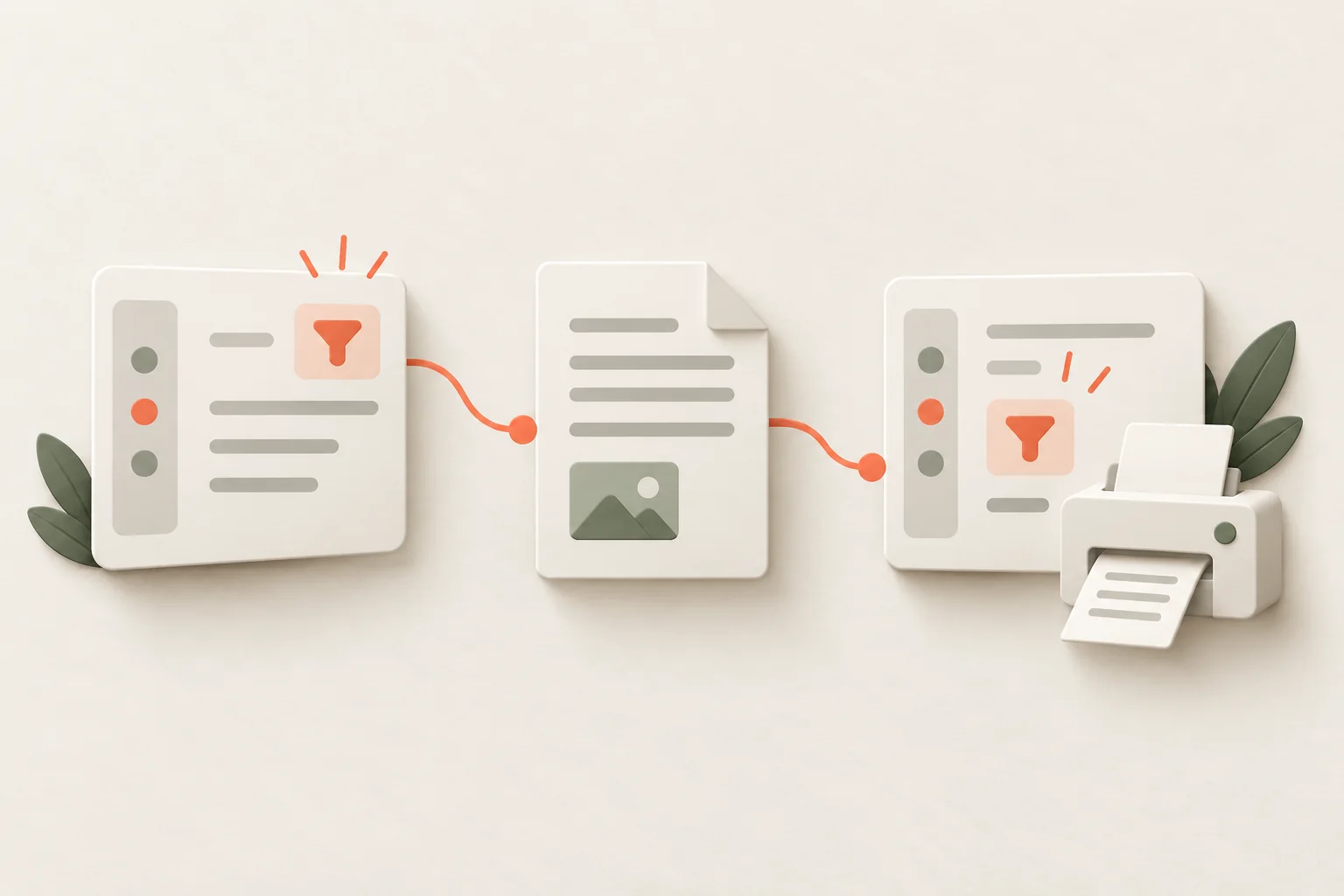
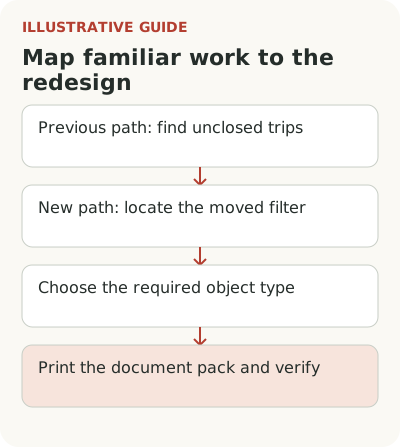
Imagine a logistics service combines requests, routes and documents in one section. A dispatcher used to find unclosed trips and print a document pack in a few actions. The new screen looks cleaner, but the familiar filter has moved and printing works only after choosing a new object type. The dispatcher's work sequence changed, not just the appearance.
Which familiar tasks should you check before redesign?
Before launch, list tasks and consequences of errors. For the hypothetical service, these include issuing trip documents, finding an overdue request, sending a route to a driver and checking delivery status. Ask existing staff to show their normal path. A prototype the team already knows doesn't replace observing someone else's work.
Include rare but mandatory actions. A dispatcher may open routes every morning and prepare closing documents only once a month. Checking daily screens alone misses the second task. Define work cycles in advance so the transition period doesn't end before some customers first encounter the change in real work.
Keep baseline measures for the same tasks: completion, errors, time and requests for help. Average session length explains little. It can rise because someone searches for a missing button or fall because they abandoned the task. Connect the number to a specific outcome and user role.
Map old actions to new paths
For the hypothetical logistics service, start the map with three work tasks:
| Old action | New path | What to explain | How to check |
|---|---|---|---|
| Open unclosed trips from the general list | “Transport” → “Not closed” filter | The old filter is now in transport; the status criterion is unchanged | The dispatcher finds the same set of trips |
| Print a pack from the list panel | Trip page → “Documents” | Printing moved; first choose the pack type | A usable pack is produced for the correct trip |
| Open a trip from a bookmark | Old address redirects to the trip page | The object is preserved; navigation changed | The link opens the same trip with the same permissions |
The map describes target behavior in the hypothetical product. If redirection doesn't exist or pack contents changed, fix the path first or explain the difference honestly. A short new-feature tour teaches an action; this map primarily restores familiar work.
If an action merely moved, show the new location and name the old one. “Document printing is now on the trip page” answers the dispatcher's question. If the data model changed and the document now belongs to a request, an arrow pointing to a button isn't enough: the person needs to know which object to select and what will be printed.
A Chameleon guide to moving between product versions identifies familiar paths, links, permissions and customers' external processes among the dependencies. It is a useful reminder of the scope of checking. The guide comes from a guidance-tool vendor; its general promises of effect cannot be treated as results of your redesign.
Check saved links, filters and customer instructions. If an old address can redirect to its corresponding new location, preserve that path. If the meaning changed, explain the choice. Opening the home page instead of the old record is technically easier, but the dispatcher must then find the trip again.
When should you explain a moved action?
Show the explanation when the individual first opens the new section. A general release date doesn't account for vacation, shift work or infrequent tasks. An invitation that disappears after a week won't help someone returning to closing documents at the end of the month.
Keep permanent “before and now” help for changed actions. Include the old name, new location, rule difference and a link to the work path. Don't include every cosmetic edit. If important tasks disappear in a long list, the help reproduces the release email's problem inside the product.
Distinguish learning the system from making a transition. A newcomer doesn't need to know where printing used to be; they never saw that interface. An existing dispatcher doesn't need an explanation of why trips exist. They need different materials. One tour for everyone is convenient for the publishing team but doesn't reflect prior knowledge.
Roll out the new interface by group
An initial check can use volunteers if their work permits it. But their patience and interest don't represent the entire base. After a successful pilot, run a stage with ordinary users and observe critical tasks. Choose groups so the team can investigate problems and colleagues in one workflow don't receive incompatible rules.
A Kompassify guide proposes a phased transition, a return option and predefined stopping reasons. Adapt that practical scheme. Not every data change can be safely reversed with one switch. Verify the return option before promising it, including what happens to records created in the new version.
Assign someone to decide whether to expand the audience. Express stopping conditions as material errors and inability to finish work. “Users are unhappy” is too vague; “can't print the pack for the selected trip type” is specific enough. Still investigate complaints: they can reveal tasks the metrics don't yet cover.
How to check whether work has been restored
After transition, compare the same roles, trip types and stages of familiarity. Worse results on first attempts may reflect learning, but that doesn't justify waiting indefinitely. If errors persist among people who have learned the new path, inspect the rules and interface. Time alone won't restore a missing capability.
Check accessibility as part of familiar tasks. Moving an action into a dropdown can preserve the mouse path while breaking keyboard use. New focus order, screen-reader labels and behavior at increased zoom deserve the same checks as document printing. Guidance over the interface won't fix an inaccessible control.
Don't combine a critical fix and new training into one conclusion. If work resumed after a button was fixed, the result can't be attributed to a tour released at the same time. Record exactly what changed. To manage the transition, it's enough to know users can finish work again; assessing the training's value needs a more precise comparison.
Ask how the customer trains its own colleagues. Old instructions and screen recordings may send people to vanished sections. Provide a concise mapping and materials that can be updated without rebuilding the whole internal course. This is part of the transition when the product has long been embedded in daily team work.
Before expanding the transition, set precise stopping reasons: missing required print fields, access to another company's trip, or inability to open a working bookmark. Check them with the release owner. For explanation, consider Flowtomate tours; for the wider connection between changes and work, see feature adoption. Also account for returning after a break; if the old method is closing, prepare a sunset and migration plan.