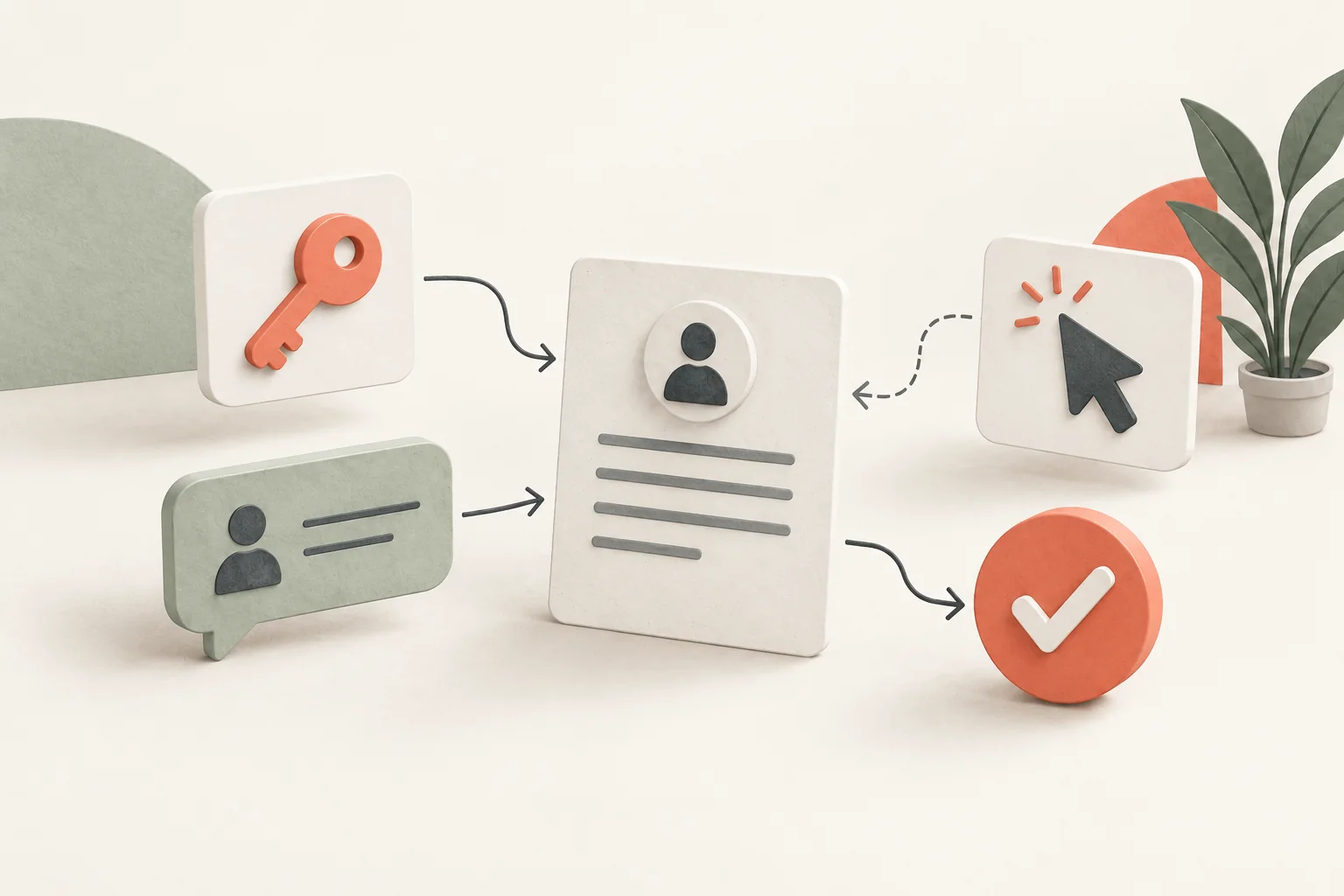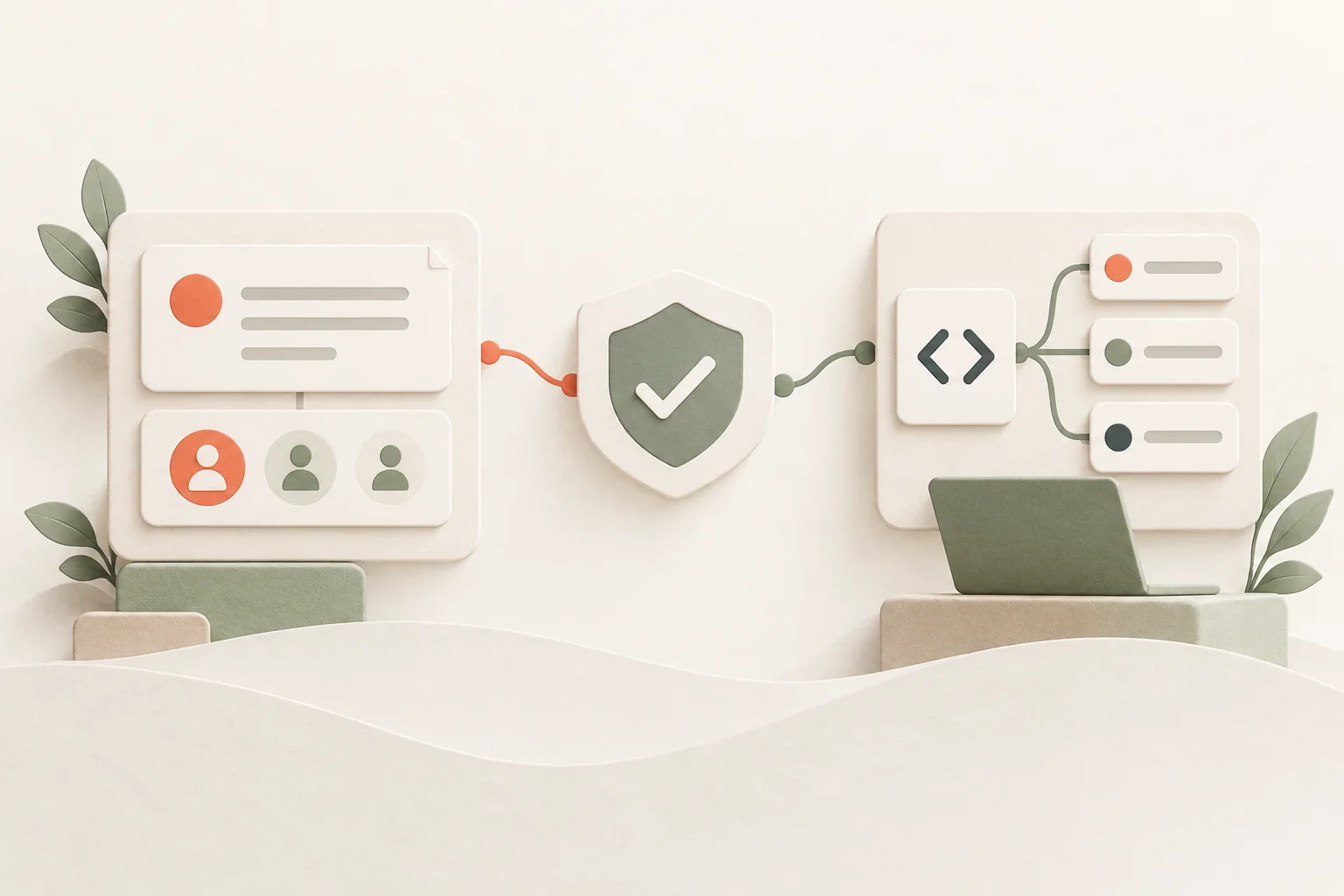
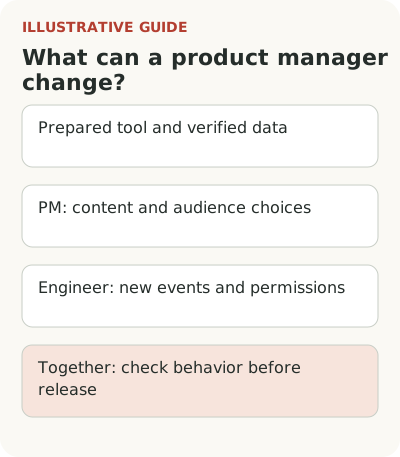
Some onboarding content changes can be made without a developer after a tool is installed and data is configured. The product manager owns meaning and audience; new events, permissions, and product behavior usually require an engineer and a joint check.
Imagine a service for project teams. A guidance tool is already connected, tours and checklists are available, and roles and core states are passed correctly. A product manager wants to explain how to create a first project, show managers a new setting, and complete a checklist after a colleague is invited. These tasks look similar on screen, but need different checks.
A matrix of independent work
This matrix assumes the integration is installed and data and permissions have been checked. Specific capabilities depend on the configuration and tool.
| Change | Product manager | Engineer | Joint check |
|---|---|---|---|
| Copy and order of existing steps | Prepares and checks meaning | Helps target the correct interface element if needed | Display for the right role and return to the scenario |
| Condition based on an existing role | Chooses the audience | Checks the role's source | Role and account changes, empty value |
| New successful-action event | Defines its meaning | Implements and checks delivery | Error, retry, and operation confirmation |
| Permissions or new product behavior | Defines the task | Changes and tests behavior | Access, consequences, and rollback |
Being able to edit copy doesn't replace checking what the application actually does.
Independence starts with prepared conditions
If the screen and tooltip target are stable, a product manager can correct copy, replace an illustration, reorder explanations, and remove an unnecessary step. If audience settings already use a verified role, they can choose the right segment. They still need to check the result on an appropriate account, including skipping and signing in again.
It's inaccurate to call this “no development at all.” Engineering already prepared the conditions: the integration, audience attributes, events, and safe behavior. The product manager uses that foundation. The clearer its description, the fewer disputes arise when a new task suddenly needs an engineer.
For the first project, an acceptable edit might be small: replace a field description with an example of the result. It shouldn't change permissions, create data automatically, or promise a save that the application doesn't perform. If an explanation touches those conditions, check actual behavior first. Copy can be wrong just as easily as code.
Choose the guidance format for the task: tour, checklist, or tooltip.
A new display condition often needs data
“Show managers who don't yet have a working project” sounds like a segment setting. But you need to know what a manager and a working project are. A role may depend on the current account, and one person may belong to several teams. A project with training data may exist even though work hasn't started.
An engineer should help choose a reliable source for these attributes and when they update. The product manager owns the meaning of the condition: who needs help and why. Together, check role changes, switching workspaces, and completing the task in another tab. Otherwise a tooltip may follow someone after they've already finished.
The Segment Group specification describes user and group identities separately, including membership in multiple groups. For onboarding, this is practical: don't automatically transfer the state of one workspace to another. Whatever tool you choose must receive enough context for the account where the person is working now.
Step completion must confirm the action
Return to the colleague invitation. You could mark the step after a button click, after successful sending, or after acceptance. Those mean three different things. The product manager chooses what the scenario needs, and the engineer helps identify an event that actually confirms the chosen fact.
If the checklist only requires sending, making the inviter wait weeks for acceptance would be unfair. If value comes from working together, marking success on a click is premature. Agree on the meaning first. Then check errors, resending, and invitations to another workspace.
An event schema isn't a set of names for a report. Segment's Tracking Plan documentation describes expected events and properties that help with both implementation and data use. A product manager can draft that agreement in words. Checking the source and delivery requires technical work.
When choosing a tool, compare the cost of building in-house and buying a service.
Agree on a safe publishing process
Independent work doesn't mean publishing without review. A short process is enough for small copy edits: draft, check with a test audience, review the required states, release, and retain a quick way to disable the guidance. The more an edit changes a person's route, the more carefully it needs checking.
Write down who checks the copy, who knows the access conditions, and who responds if a tooltip can no longer find its target. Separate editing and publishing permissions if the workflow requires it. You don't need a committee for every comma. But removing a required warning and fixing a typo have different costs if they go wrong.
For the project-team service, check at least a new user with no projects, a member of an existing account, a manager, and an employee without the required permission. Add a narrow screen and keyboard operation. If the guidance stops someone reaching the action or closing a window, fast publication no longer matters.
Also agree who tracks interface changes. A product manager may miss that a developer replaced the element attached to a tooltip, while the engineer may not know that the element is part of a published tour. A short list of affected scenarios in the release check is enough. After a screen change, the content owner walks through them with the relevant roles. This connects two kinds of changes that the user sees together and expects to work together.
Check empty values too. If the role doesn't arrive or the state is still loading, guidance should follow an agreed rule. The product manager shouldn't have to guess who belongs in the audience at that moment. Discuss the default condition when setting up the scenario.
Include new display conditions and outcomes in the event plan.
Give the engineer a short request
A good request includes the user's task, display location, condition, required action, and how to verify completion. For example: “A manager without a working project sees an explanation at creation; after successful creation, the guidance no longer appears in that workspace.” State which attributes already exist and which are unknown.
Don't submit “add any events and we'll configure it later.” That leaves product decisions to the engineer and creates unnecessary data. Prepare one verifiable chain instead. If it turns out to require major rework, the team can discuss a simpler way to help while preserving the task's meaning.
Start with a list of what the product manager can already change safely: copy, existing conditions, existing actions, and rollback methods. Then mark the gaps. In Flowtomate, you can consider tours, checklists, pop-ups, and contextual tooltips, but independence for a specific scenario depends on configured data and integration. A verified boundary of responsibility is more useful than a slogan that engineers are no longer needed.